
 Likes:
 Reply With Quote
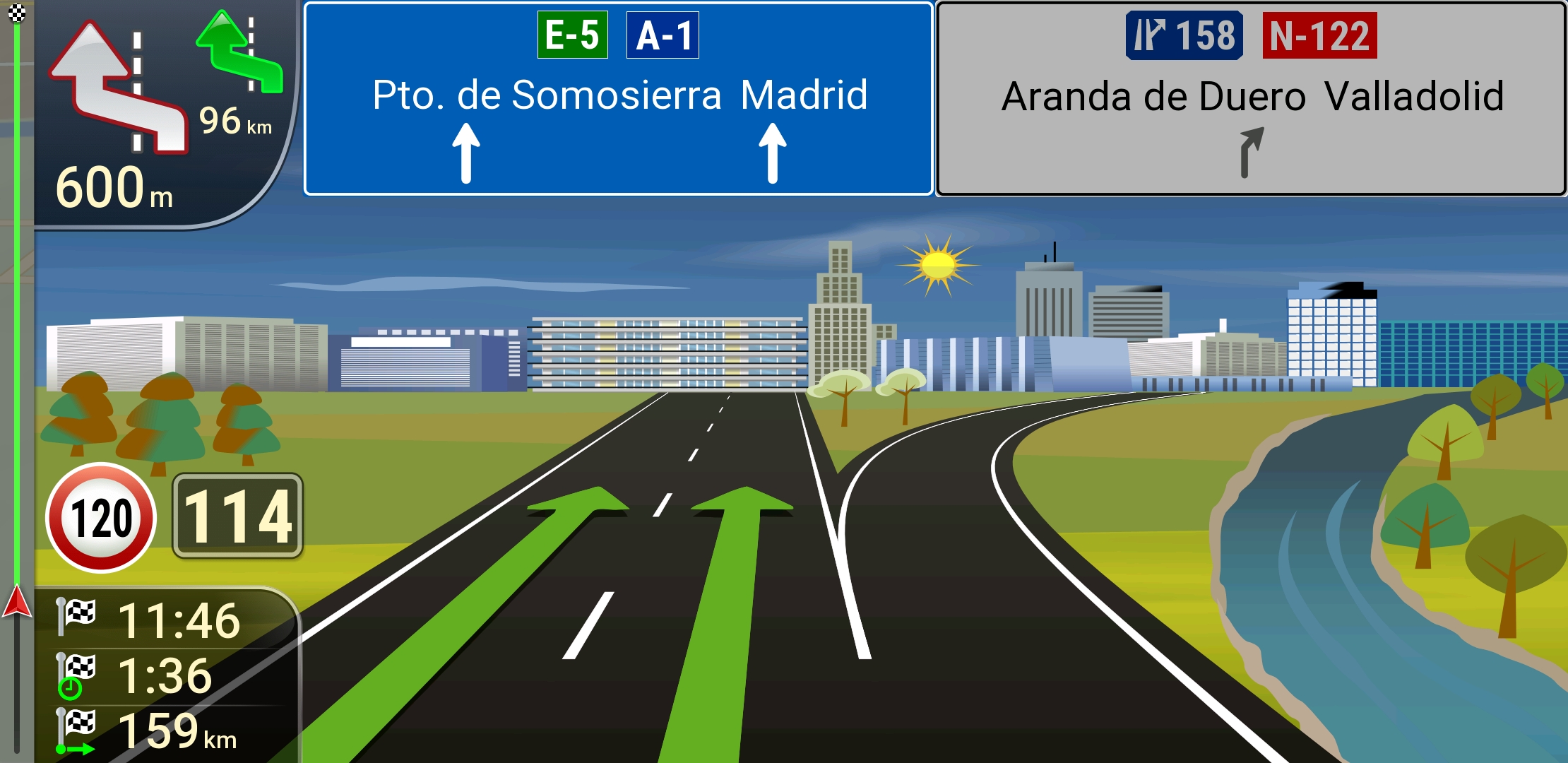
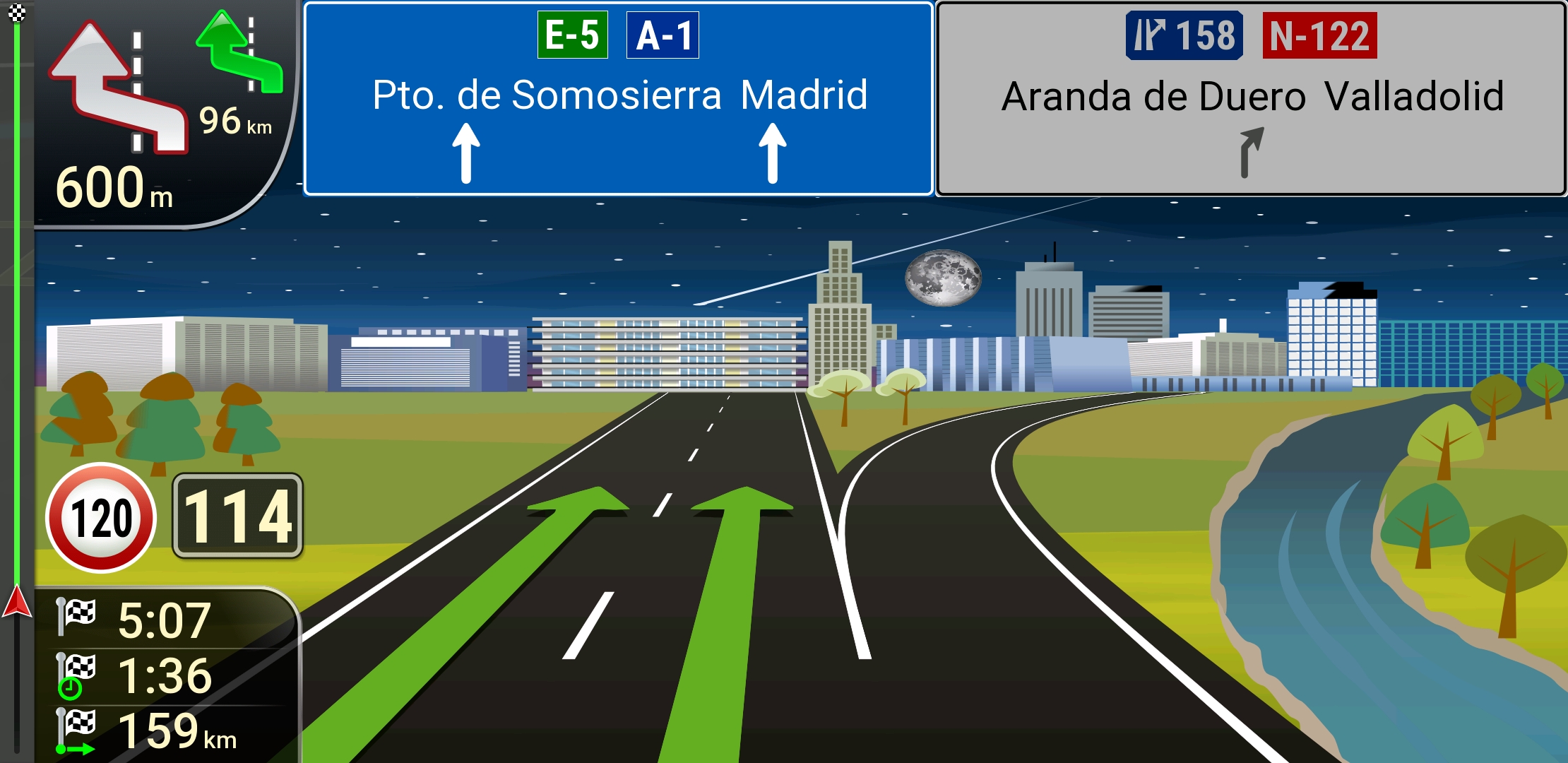
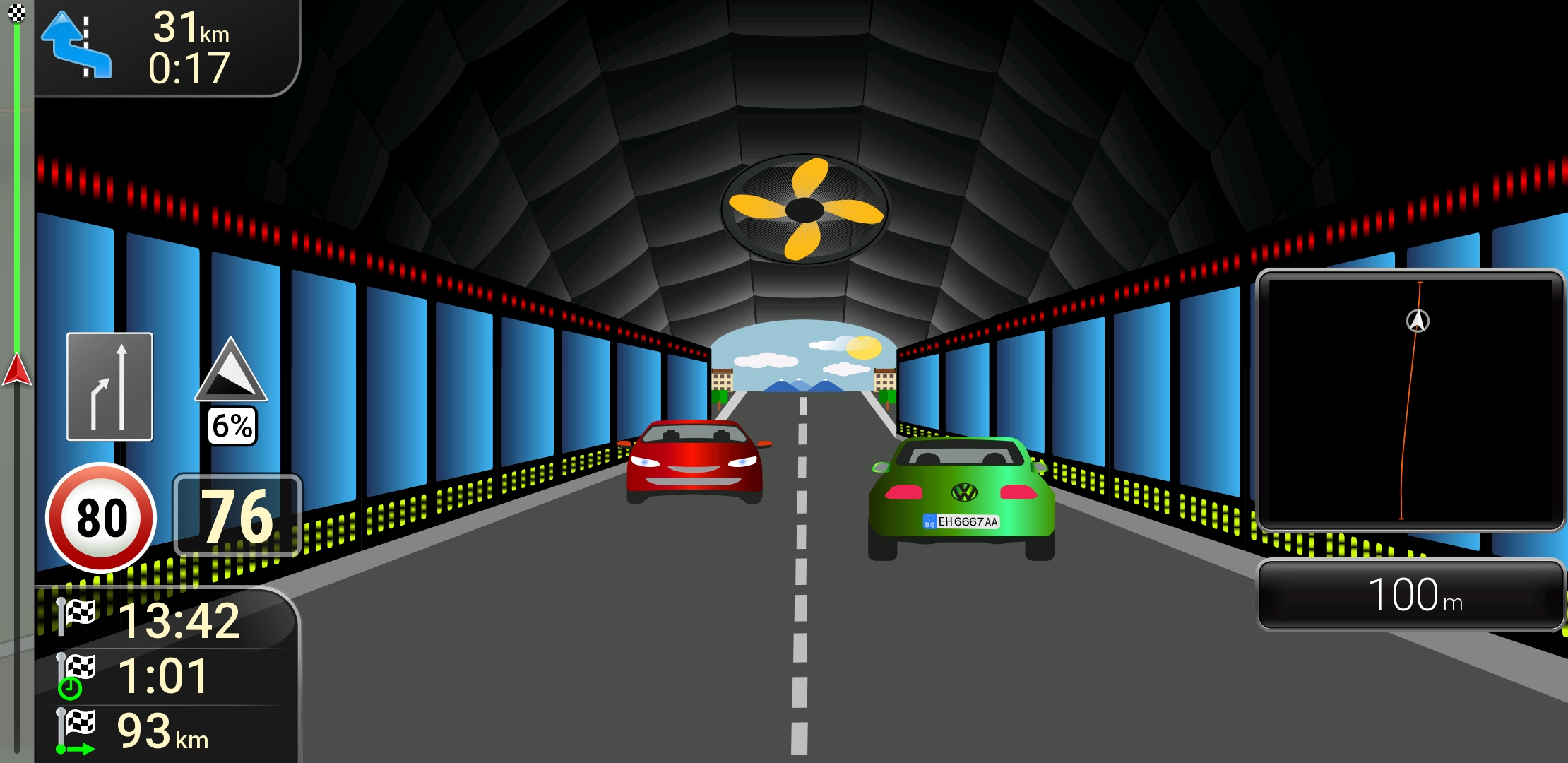
The file junctionview.zip which I use in a skin by Pongo.....
Spoiler: Screenshots
This post requires you to click the "LIKE this post" button and hit F5 to read this content.
Regards.....
Welcome guest, is this your first visit? Click the "Create Account" button now to join.


Results 941 to 950 of 3978
-
15th April 2018, 02:20 AM #941Junior Member


- Join Date
- Dec 2015
- Location
- thailand
- Posts
- 7
- Rep Power
- 0

Block route button issue.
- Nothing happen when click delete blocked road button, but popup confirm delete after click back button then click Main Menu button.Last edited by kingnokk; 15th April 2018 at 02:39 AM.
-
16th April 2018, 11:50 AM #942Master


- Join Date
- Mar 2017
- Location
- España
- Posts
- 155
- Rep Power
- 524
-
17th April 2018, 07:31 PM #943Member +

- Join Date
- Jul 2015
- Location
- Cairo, Egypt
- Posts
- 76
- Rep Power
- 16
The file junctionview.zip provided by the brother railroad is only 551KB while the original file size in the skin provided by Brother pongo is 9.8MB ___ Please report what you use
-
18th April 2018, 06:11 AM #944iGO Enthusiast


- Join Date
- Jun 2014
- Location
- Niš
- Age
- 54
- Posts
- 7,291
- Rep Power
- 4909
He is using svg files, I guess...
Vector graphics.
-
19th April 2018, 12:40 PM #945Junior Member
- Join Date
- Dec 2014
- Location
- Italia
- Age
- 51
- Posts
- 6
- Rep Power
- 0
hello, what procedure do I have to follow to insert the pongo skins on my igo basarsoft?
-
19th April 2018, 02:09 PM #946iGO Enthusiast
- Join Date
- Jun 2014
- Location
- Niš
- Age
- 54
- Posts
- 7,291
- Rep Power
- 4909
From OP:
Sent from my LG-M700 using Tapatalk Originally Posted by quartzo

Last edited by Boki; 19th April 2018 at 02:12 PM.
-
20th April 2018, 03:38 PM #947Junior Member
- Join Date
- Nov 2017
- Location
- world
- Posts
- 1
- Rep Power
- 0
Hey guys,
at first thanks for offering this skin, looks fantastic on some screenshots.
Now, currently I am using a WinCE Navagation Device. (The software is put on a microSD)
and i am not really sure how to install it.
The "instruction" is a little bit difficult to understand imo.
Can't I just simply Copy&Paste it?
And : I dont really udnerstand it, in the readme data in the archive, does it hide the radars on the map or not? (and is this even compatible with german software?)
-
20th April 2018, 03:45 PM #948Member

- Join Date
- Jun 2017
- Location
- Brazil
- Posts
- 21
- Rep Power
- 10
Thank you for always updating the Pongo skin. I use an F80TV pioneer and am using this skin
I'm having a problem. During speedcam alert warning, he does not report his speed, only reports the distance. In the configuration are activated to inform the speedcam speed and distance.Last edited by luisresende; 20th April 2018 at 03:58 PM.
-
20th April 2018, 10:08 PM #949Junior Member
- Join Date
- Nov 2015
- Location
- greece
- Posts
- 3
- Rep Power
- 0
Hi
Is there any way to stop igo from saying after turning "from this street .." to that street ..
-
22nd April 2018, 09:09 AM #950Junior Member
- Join Date
- Nov 2017
- Location
- Croatia
- Posts
- 1
- Rep Power
- 0
I am using latest pongo skin with iGO PAL (Palestine) 9.8.27.719974 and so far it is the best for me. The only problem is i cannot get croatian keyboard and letters like in previous versions...
If someone knows what to do thanks in advance.Last edited by Boki; 23rd April 2018 at 08:26 PM.


Bookmarks