Welcome guest, is this your first visit? Click the "Create Account" button now to join.

Page 347 of 391 FirstFirst ... 247297337345346347348349357 ... LastLast
Results 3,461 to 3,470 of 3973

Hybrid View

  1. #1
    SUPER MODERATOR Skin iGO nextgen by pongo (DISCUSSION)
    Skin iGO nextgen by pongo (DISCUSSION)Skin iGO nextgen by pongo (DISCUSSION)Skin iGO nextgen by pongo (DISCUSSION)Skin iGO nextgen by pongo (DISCUSSION)Skin iGO nextgen by pongo (DISCUSSION)Skin iGO nextgen by pongo (DISCUSSION)
    Andrey Form's Avatar
    Join Date
    Oct 2019
    Location
    Belarus
    Posts
    3,734
    Rep Power
    2726

    Default

    @piky
    Speedcam Truck is available for European countries. The base was originally created for Russia, there is full content, the rest of the countries have a minimum set - directional radars. But the database is open and has the ability to receive information from different countries about the location of any alarm points for storage, editing and export. Medium speed cameras have already been applied to the OSC database for all European countries with settings for the pongo skin
    gps5

    [Only registered and activated users can see links. ]
    [Only registered and activated users can see links. ]
    [Only registered and activated users can see links. ]
    [Only registered and activated users can see links. ]
    [Only registered and activated users can see links. ]
    [Only registered and activated users can see links. ]


    ©AF_2020-26

  2.    Advertissements


  3. #2
    Junior Member
    Join Date
    Jul 2020
    Location
    Polska
    Posts
    3
    Rep Power
    0

    Default

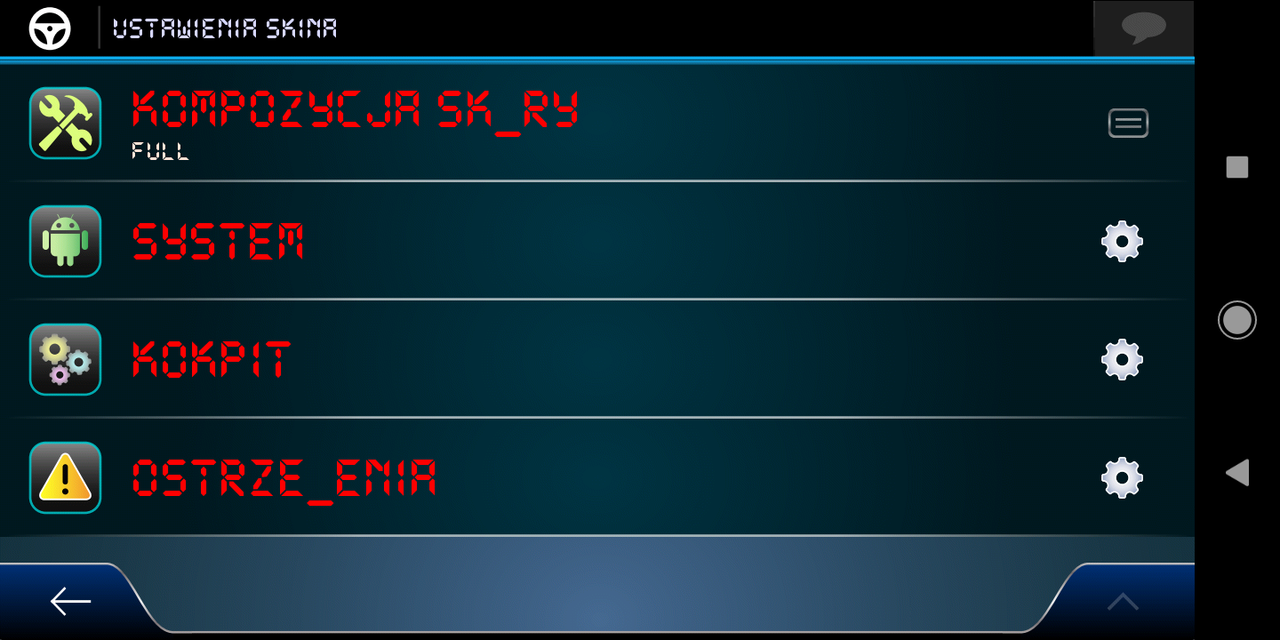
    i have downloaded skin pongo. How can I run a pongo skin on an igo nextgen

  4. #3
    Master
    Join Date
    Jan 2016
    Location
    Germany
    Posts
    497
    Rep Power
    893

    Default

    Don't do it if you don't even have basic knowledge.
    Of course you need to change the ux folder and the data.zip, and you need adapted voice and language
    Last edited by Golom; 15th April 2022 at 07:22 PM.

  5. #4
    Junior Member
    Join Date
    Jul 2020
    Location
    Polska
    Posts
    3
    Rep Power
    0

    Default

    some knowledge i have, and i want to have this skin. can you helb me a little bit

  6. #5
    Master BIRBANTE's Avatar
    Join Date
    Jan 2016
    Location
    TUSCANY - ITALY
    Posts
    353
    Rep Power
    298

    Default

    It is not very difficult, everything that appears written in English you have to translate it into Polish in the dictionary.lang, for the translations of the voice file instead you find the things to translate in the Read_Me.txt file between the Skin file package......

    Or, make your request below:

    [Only registered and activated users can see links. ]

    There is certainly a user who has already adapted the lang & voice files for the Pongo Skin and can give them to you.

  7. #6
    Master
    Join Date
    Jan 2016
    Location
    Germany
    Posts
    497
    Rep Power
    893

    Default

    Quote Originally Posted by BigMickey View Post
    some knowledge i have
    I assumed you installed an iGO Nextgen version? Then the answers should help you....
    Last edited by Golom; 17th April 2022 at 11:26 AM.

  8. #7
    Junior Member
    Join Date
    Jul 2020
    Location
    Polska
    Posts
    3
    Rep Power
    0

    Default

    I mean more where should I copy the files from the shell

    yes i have igo nextgen 9.18.27 but i dont know how to install pongo skin. if someone could help i will be glad

  9. #8
    Master BIRBANTE's Avatar
    Join Date
    Jan 2016
    Location
    TUSCANY - ITALY
    Posts
    353
    Rep Power
    298

    Default

    Quote Originally Posted by BigMickey View Post
    yes i have igo nextgen 9.18.27
    These numbers are common for all "old" Nextgen, they are the following ones that identify the real version you own, (Avic, Pal, Israel, World, Basarsoft, etc.), but for the purposes of the Skin nothing changes, the files and folders to be changed are the same.

    Golom has already answered you, but I will give you a more detailed and precise answer:

    You have to delete the "save" and "ux" folders and the data.zip and sys.txt files you have and replace them with those of the Pongo Skin, the ux_additionally folder should not consider it for the moment.

    You will end up with most of the menus in English and if you use a TTS voice you will have some "crippled" warning with English words read in Polish.

    At this point, however, I doubt that you are able to modify the Lang, (dictionary.lang), and the Voice, (dictionary.voice), so you should follow my advice to ask for help from some Polish user who already has them, you will be able to broaden your knowledge later on calmly, then if you want to try to do it all by yourself, go ahead ...

  10. #9
    Member
    Join Date
    Jan 2022
    Location
    Germany
    Posts
    13
    Rep Power
    0

    Default

    Where can i find in 355 pages how to change sky in Igo pal with pongo skin and schemes in content ?
    Last edited by Eloquient; 23rd April 2022 at 09:51 PM.

  11. #10
    Master
    Join Date
    Mar 2012
    Location
    EX USSR
    Posts
    423
    Rep Power
    2254

    Default

    I hope that such an opportunity may appear soon in the updated skin by Pongo...
    Spoiler: Change sky
    [Only registered and activated users can see links. ][Only registered and activated users can see links. ][Only registered and activated users can see links. ][Only registered and activated users can see links. ]


Tags for this Thread

Bookmarks

Posting Permissions

  • You may not post new threads
  • You may not post replies
  • You may not post attachments
  • You may not edit your posts
  •