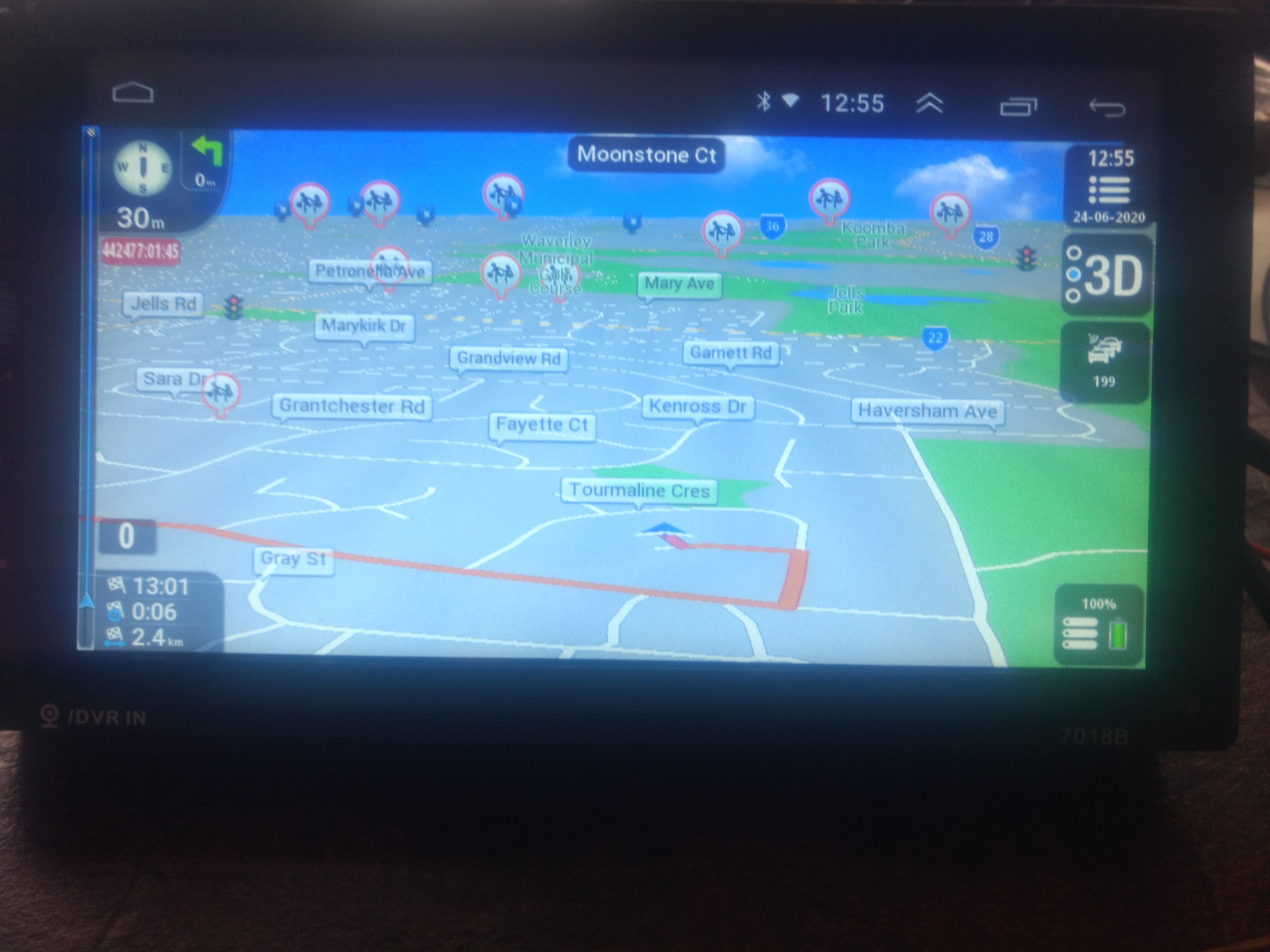
Hello
@modemakias or someone else
Can you please upload Greek lang and Voice for the skin?
Thank you!
Hello
@modemakias or someone else
Can you please upload Greek lang and Voice for the skin?
Thank you!
Last edited by Boki; 30th June 2020 at 09:03 PM. Reason: approved
Yes indeed........ It is not the same Pongo's skin ....... rooooooooooooooooooooooI'm getting older sure... but Alzheimer's isn't yet.. Neither Rheumatoid Arthritis
Shame on me !!!
I'm so sorry![]()
Last edited by BIBUOT; 27th June 2020 at 11:42 AM.
TANUKI 's Team stay alive in the dark, in the old days was named Dreamteam-DT... my moderator pseudo Bilouteam
Thank you LouBouha, thank you BIBUOT for the discussion.
I'm excited! Yes it works I testet it already on my phone.
In my installed version it are the lines 675 to 677.
It is an advantage if the skip button optional appears earlier and longer is available. You don't have to push it in case you would like to visit the waypoint exactly. One rather theoretical thing to keep in mind, if the overnext waypoint is within that selected range too a little conflict could be generated by pushing the button twice.
Best regard
Hi LouBouha!
Now I installed the actual newest Pingo version with the mentioned modification “2500” on my motorcycle and GPS in works too. By the way I found a few more interesting useful features (Time display...) for me on this new version.
I am wondering if I could find maybe in a future “Christmas Version” a “QuickMenu Button” which says “Skip next waypoint”
Thank You
Last edited by Boki; 28th June 2020 at 09:07 AM. Reason: approved
Last edited by LouBouha; 1st July 2020 at 03:20 PM.
GPS: TomTom ONE
Smartphone: THL T11 Android 4.2.2 Resolution 720x1280
Sygic 14.3.4 IGO Primo 9.6.29.636868 Skins : Doupas V9.0h , Dimka/Frontzosd
Hello,
Finally TNX to jorgeultra [Only registered and activated users can see links. ], to BIRBANTE [Only registered and activated users can see links. ] and kwbs [Only registered and activated users can see links. ] (see here bellow image), I could get !alert6 sound approching beep working.
However, this sound alert is never end (stop) during the whole itinerary. The only way to stop it, is to Exit from iGO.
Did I forgot another setting to stop this alert at the end of the speedcam?
Regards
Spoiler: image
@coukou
Make a test like that:
1. Cancel READ TTS and select "Audio Speedcam"
2. Replace the sounds of "Approaching" and "overspeeding", to tones
3. Select a 3rd tone for "End Alert", instead of the current "Muted"
Try "My Three Favorites Spcam Tones Alerts" ---> ui_nextgen > audio
[Only registered and activated users can see links. ]
Last edited by kwbs; 20th September 2020 at 09:30 AM.
TNX kwbs
Canceling READ TTS and selecting "Audio Speedcam" causes almost all settings regarding the alerts to turn gray... disabled (see image).
Spoiler: image
Last edited by coukou; 2nd July 2020 at 02:13 PM.
Dear coukou,
In a basic test, this situation described by you would be easily identified.
I use the configuration in the images below and everything works perfectly.
Spoiler: image
There is no need to activate the Use approaching beep and Choose Sound approaching beep options.
One thing is important for everything to work well, are you using Pongo's original data.zip file and ux package?
TNX Jorgeultra
Yes, I'am using Pongo's original data.zip file and ux package.
According to your configuration above, do you get sound alerts (!alert1) when approaching speedcams whether you are in overspeed or not?
Regards
Bookmarks