Welcome guest, is this your first visit? Click the "Create Account" button now to join.

Page 96 of 391 FirstFirst ... 46869495969798106146196 ... LastLast
Results 951 to 960 of 3973

Hybrid View

  1. #1
    Pro-Member userninenine's Avatar
    Join Date
    Dec 2017
    Location
    Austria
    Posts
    213
    Rep Power
    20

    Default

    This new phrase was not available in version 2018-03-02. I recogniced "overspeedlimit" first in 2018-03-15 and now also in latest current pongo skin.

    My voice file should be fine, all works exept this new string. Extracted and decryped a lot fi ux's files and data.zip. Also skin_pongo.zip, but do not find the correct string.


    "Overspeedlimit"; "OverSpeedLimit"; "Over Speedlimit"; or similar wording in dictonary file do not fix my problem.

    And yes, it is a lot of work
    I did the same work for my old Becker Navi, old Primo 2.x version too
    Last edited by userninenine; 5th April 2018 at 07:37 PM.

  2.    Advertissements


  3. #2
    Master Kajoe's Avatar
    Join Date
    Sep 2011
    Location
    Netherlands
    Posts
    260
    Rep Power
    419

    Default

    Look good at spaces capitals etc in dictionary. It must me something like that. Or maybe you miss the "~"
    Or it must be something like this : Over Speed=""

    This is in my voice dictionary:
    Over Speed="Let op! U rijdt te hard"
    Prepare to reduce your speed.="Let op! Bereid u voor om uw snelheid te verlagen."Recommended maximum speed %s="Aanbevolen maximum snelheid %s"
    Reduce your speed.="Verminder uw snelheid."
    STOP Speedcam ahead. Reduce your speed.="Stop u nadert een snelheidscamera. Matig uw snelheid."
    Town entry point - Reduce your speed.="U betreedt de bebouwde kom - verminder uw snelheid."
    Town entry point ahead - Reduce your speed.="U nader de bebouwde kom - verminder uw snelheid."
    My posts:
    [Only registered and activated users can see links. ]
    [Only registered and activated users can see links. ]
    [Only registered and activated users can see links. ]

  4. #3
    Pro-Member userninenine's Avatar
    Join Date
    Dec 2017
    Location
    Austria
    Posts
    213
    Rep Power
    20

    Default

    Quote Originally Posted by Kajoe View Post
    Look good at spaces capitals etc in dictionary. It must me something like that. Or maybe you miss the "~"
    Or it must be something like this : Over Speed=""

    This is in my voice dictionary:
    Over Speed="Let op! U rijdt te hard"
    Prepare to reduce your speed.="Let op! Bereid u voor om uw snelheid te verlagen."Recommended maximum speed %s="Aanbevolen maximum snelheid %s"
    Reduce your speed.="Verminder uw snelheid."...
    Thx again for the hints, but these strings are already available and do not fix my problem. Maybe it's a special bug with my settings. Will search again...

  5. #4
    Master railroad's Avatar
    Join Date
    Mar 2017
    Location
    España
    Posts
    155
    Rep Power
    524

    Default

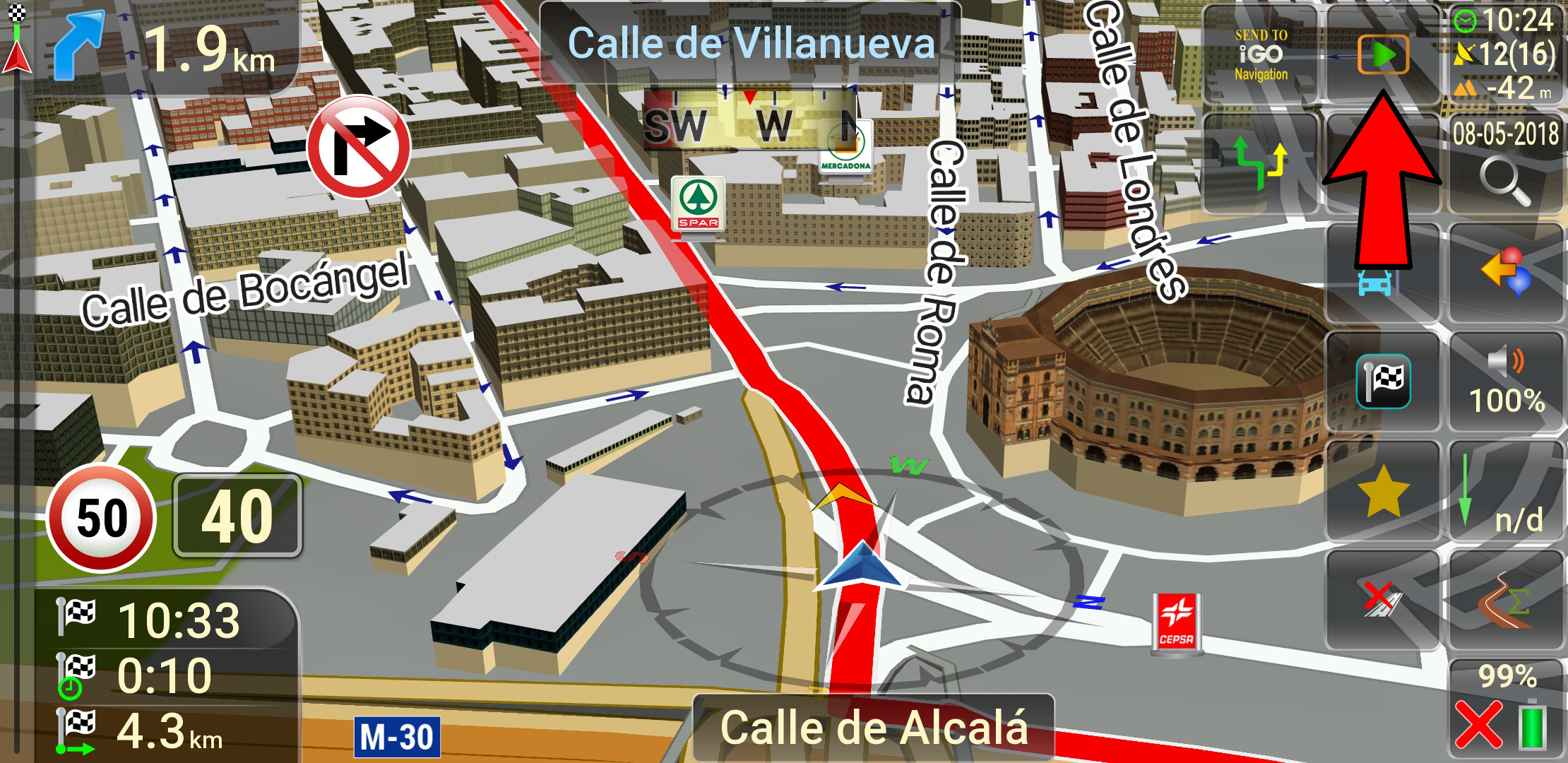
    button_coordinates.zip for skin by Pongo with two types icons in svg format, for the three color schemes.
    1. Icons with the logo of the program [Only registered and activated users can see links. ]:
    Spoiler: Logo
    89f3de676526438f 06af3c63579428f9 e14c003abb5fbd2b

    2. Icons with text:
    Spoiler: Text
    7a412c6f43f99c84 aa07a7c3b5817129 ad3799881a072a6e

    By default, in the button has activated the icons with text. Others renamed sendtonavigation.svg ---
    This post requires you to click the "LIKE this post" button and hit F5 to read this content.
    Attached Files Attached Files
    • This post requires you to click the "LIKE this post" button to see Attachments.
    Last edited by railroad; 8th April 2018 at 11:43 AM.

  6. #5
    Junior Member
    Join Date
    Dec 2015
    Location
    thailand
    Posts
    7
    Rep Power
    0

    Default

    Block route button issue.
    - Nothing happen when click delete blocked road button, but popup confirm delete after click back button then click Main Menu button.
    Last edited by kingnokk; 15th April 2018 at 02:39 AM.

  7. #6
    Master railroad's Avatar
    Join Date
    Mar 2017
    Location
    España
    Posts
    155
    Rep Power
    524

    Default

    The file junctionview.zip which I use in a skin by Pongo.....
    Spoiler: Screenshots
    d91c333dc38a366f

    57c44f8b6c65861c

    a1482f8639debdce

    This post requires you to click the "LIKE this post" button and hit F5 to read this content.
    Regards.....
    Attached Files Attached Files
    • This post requires you to click the "LIKE this post" button to see Attachments.

  8. #7
    Member + Skin iGO nextgen by pongo (DISCUSSION)Skin iGO nextgen by pongo (DISCUSSION)
    Join Date
    Jul 2015
    Location
    Cairo, Egypt
    Posts
    76
    Rep Power
    16

    Default

    The file junctionview.zip provided by the brother railroad is only 551KB while the original file size in the skin provided by Brother pongo is 9.8MB ___ Please report what you use

  9. #8
    iGO Enthusiast Skin iGO nextgen by pongo (DISCUSSION)
    Boki's Avatar
    Join Date
    Jun 2014
    Location
    Niš
    Age
    54
    Posts
    7,231
    Rep Power
    4867

    Default

    He is using svg files, I guess...
    Vector graphics.
    Before asking a question, know it's already discussed here and at 99.9% is not unique. Use search.
    NO ONE IS A SEER, READ (click on): [Only registered and activated users can see links. ] <- Click!
    [Only registered and activated users can see links. ] <- Click!

    Spoiler: obs
    Many questions become very arduous, a lot of time chewed deja vu...Since we have lost all the year of work and effort, many people have no will to answer the same questions again. Me neither. Use a search, please.

  10. #9
    Junior Member
    Join Date
    Dec 2014
    Location
    Italia
    Age
    51
    Posts
    6
    Rep Power
    0

    Default

    hello, what procedure do I have to follow to insert the pongo skins on my igo basarsoft?

  11. #10
    iGO Enthusiast Skin iGO nextgen by pongo (DISCUSSION)
    Boki's Avatar
    Join Date
    Jun 2014
    Location
    Niš
    Age
    54
    Posts
    7,231
    Rep Power
    4867

    Default

    From OP:

    Quote Originally Posted by quartzo View Post
    ...
    Installing the skin
    installation :
    - iGO_Israel is the folder of the version Nextgen-a (iGO_Avic, iGO_Basar, iGO_Israel ...);
    - write from the archive folder ui_nextgen with sounds ... wav;
    - always delete (or rename) your old ux folder from sdcard / iGO_Israel / ux ;
    - write a new ux folder from the archive ;
    - if there is a need for even more additional functions, activate only the necessary , inactive plug-ins by deleting three dashes at the end .... zip ( ---), I do not advise you to activate everything, most of them you just do not need;
    - select a start plugin from an archive / ux_additionally / loading_ux and write to the folder ux: ;
    - for "Avicsync", "Pioneer" ----> " avicsync_nextgen.zip ";
    - for "Israel" ----> " gpsandmore_generic.zip ";
    - for "Basarsoft" ----> " basarsoft_gm8_nextgen.zip ";
    - who uses "Avicsync", "Pioneer", you must remove the plugin user_profiles.zip , otherwise you will not be able to change the cursor;
    - be careful, plugins from previous versions of the skin and any extraneous plugins can conflict with the current version of the skin and significantly worsen the navigation.
    - for the full work of TTS in the voices Voice_TTS _........_ lua.zip in the file dictionary.voice there should be records:
    Code:
    Please Login or Register to see the links
    ...
    Sent from my LG-M700 using Tapatalk
    Last edited by Boki; 19th April 2018 at 02:12 PM.
    Before asking a question, know it's already discussed here and at 99.9% is not unique. Use search.
    NO ONE IS A SEER, READ (click on): [Only registered and activated users can see links. ] <- Click!
    [Only registered and activated users can see links. ] <- Click!

    Spoiler: obs
    Many questions become very arduous, a lot of time chewed deja vu...Since we have lost all the year of work and effort, many people have no will to answer the same questions again. Me neither. Use a search, please.


Tags for this Thread

Bookmarks

Posting Permissions

  • You may not post new threads
  • You may not post replies
  • You may not post attachments
  • You may not edit your posts
  •