
 Likes:
 Reply With Quote
language:Originally Posted by Jozs

info: tested
Spoiler: screen
Spoiler: screen
wandel: Thank you very much for skin and ux
Welcome guest, is this your first visit? Click the "Create Account" button now to join.


Results 181 to 190 of 290
-
22nd December 2019, 11:37 AM #181Member +


- Join Date
- Jan 2018
- Location
- Hungary
- Posts
- 43
- Rep Power
- 0

Wandel!
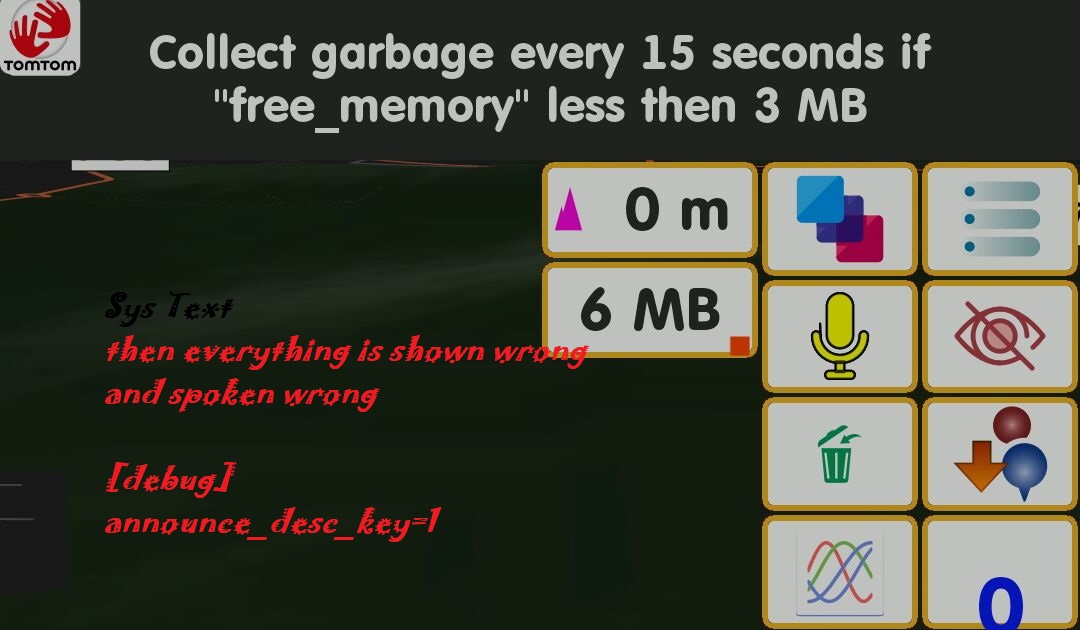
There was an entry in sys.txt, which prevented translation!
[debug]
announce_desc_key=1
PS: But here I was completely stuck. I can't translate
Cache: total memory(MB):
I'd like this
/ text=("Cache: total memory (MB):" + tostring(%other.cache_total_memory / 1048576)) /> /

Quote removedLast edited by Jozs; 22nd December 2019 at 12:52 PM.
-
22nd December 2019, 08:07 PM #182Master


- Join Date
- Oct 2013
- Location
- EU
- Posts
- 776
- Rep Power
- 1316
Last edited by Boki; 22nd December 2019 at 09:28 PM. Reason: corrected quote
-
26th December 2019, 02:37 AM #183Master

- Join Date
- Mar 2016
- Location
- NYC
- Posts
- 140
- Rep Power
- 275
@wandel
Hey
I have tried your skin with Avic but come across a problem. How can I make the SkinChanger work. It just opens LuaInterpreter and nothing happens, cannot change it to another skin. And the skin changer by Neoss does not work either. Any help, please? Other than that really awesome skinLast edited by iVoy; 26th December 2019 at 03:10 AM.
If you think I helped you, please add to my reputation
-
27th December 2019, 01:42 PM #184Master

- Join Date
- May 2007
- Location
- Ukraine
- Posts
- 168
- Rep Power
- 1151
There is a compele description for LuaJava instalation.
Last edited by wandel; 28th December 2019 at 10:02 AM.
-
7th February 2020, 09:16 AM #185GPSPower Helper


- Join Date
- Dec 2009
- Location
- ro
- Age
- 38
- Posts
- 501
- Rep Power
- 947
I get a headache when updating vicewandel's skin.
The problem was to copy the corresponding SkinChanger's file (LuaJava.zip, SetFileList.zip, SkinChanger.zip) to all ux folders in all versions on all devices.
This means 9 ux * 5 versions * 4 devices.
I made a small toy that does this automatically.
Search in partitions: H:, I: and E:\Card_S3, the last one is backup from PC.
Search by : iGO_Africa, iGO_Avic, iGO_Basar, iGO_Israel, iGO_Pal, iGO_Africa-arh, iGO_Avic-arh, iGO_Basar-arh, iGO_Israel-arh, iGO_Pal-arh (those with -arh in the queue are the archives on N8's card).
Search in : ux, ux_ari_nextgen, ux_by_pongo, ux_by_pongo_kalos, ux_by_pongo_sumsum, ux_frontzosd_silver, ux_frontzosd_silver_kalos, ux_garigor_nextgen, ux_vw_nextgen, ux_vw_nextgen_kalos.
Other partitions, iGO folder or ux folder can be added.
You need to add the latest versions of the corresponding SkinChanger files to the batch file folder and run it.
The problem that come is not the copy on the card inserted into the PC but the copy on the card from the phone without removing it.
One solution would be to use a UMS Enabler.
On N3 I successfully used UMS_Enabler_v1.6.2 (_mod (4)).
It didn't work on the N8.
And see only the external card, NOT the internal partition, for N8.
Another solution, is an FTP Server (ROOT needs).
I played with Webdav Server (it only sees the internal partition).
But I preferred Samba Server.
Once installed and configured, from My computer - Map NetWork Drive I mapped:
- external N3 card as T:
- internal N8 as O:
- N8 external card as Q:
It should be mentioned that the last solution gives access to the phone directly in the network.
All [Only registered and activated users can see links. ].
-
21st February 2020, 12:28 PM #186Master
- Join Date
- May 2007
- Location
- Ukraine
- Posts
- 168
- Rep Power
- 1151
Update
Update with the new utility and optimization.
Good luck on the road !!!
Link the same.
-
24th February 2020, 02:26 PM #187Master
- Join Date
- Oct 2013
- Location
- EU
- Posts
- 776
- Rep Power
- 1316
Hallo wandel,
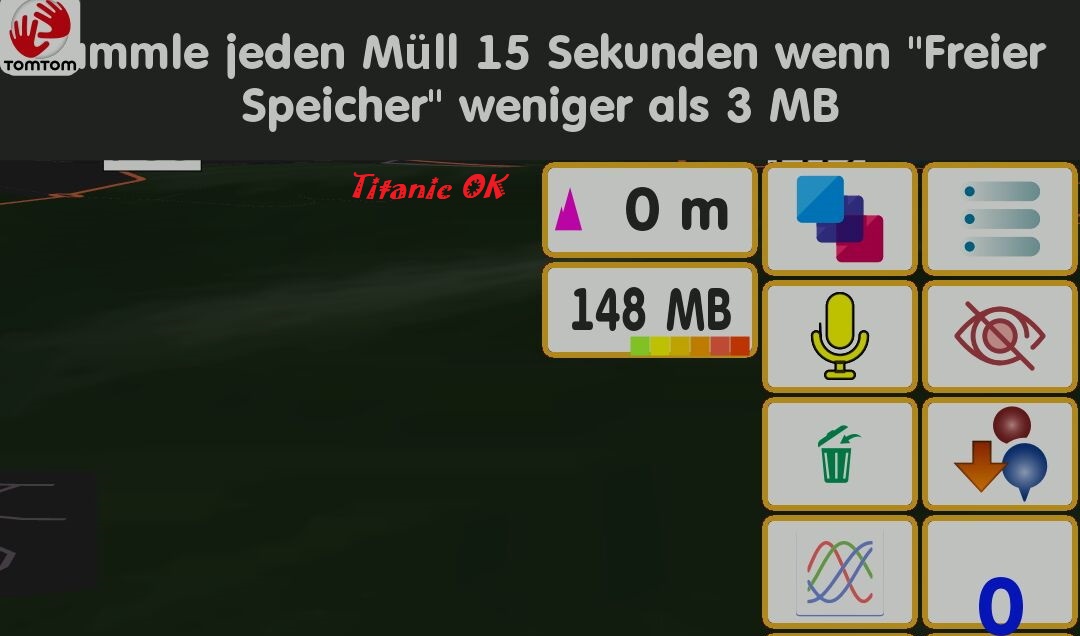
when i start navi it is spoken this word the Dictionary.lang
Ok I've already found missing words in ux country_speed_tolerance.zip
many thanks for updateLast edited by Titanic52; 25th February 2020 at 04:33 PM.
-
29th February 2020, 01:52 PM #188Member +

- Join Date
- Dec 2015
- Location
- Portugal
- Posts
- 69
- Rep Power
- 43
Hi! a couple of questions
which UX modules do absolutely need the Lua.java installed? i dont mind losing skin changers, weather and stuff like that
also is it compatible with iGO Pal version? i've tried it and there's occasional crashes, not with Pongo's or ther skin
thanks in advance
-
29th February 2020, 02:24 PM #189iGO Enthusiast


- Join Date
- Jun 2014
- Location
- Niš
- Age
- 54
- Posts
- 7,231
- Rep Power
- 4867
?????
Java is a "natural" part of android.
-
29th February 2020, 06:28 PM #190Member +
- Join Date
- Dec 2015
- Location
- Portugal
- Posts
- 69
- Rep Power
- 43
hi, no i was talking about the Lua interpreter app, never got that thing working rignt in my devices
but nevermind, just tested the newest version in my fresh new iGO Pal installation and is doing fine now, no crashes


Bookmarks