
 Likes:
 Reply With Quote
15.04.2018 ux
info; gif>>>
Spoiler: screen gif
Thank you Arimi!
Welcome guest, is this your first visit? Click the "Create Account" button now to join.


Results 271 to 280 of 671
Thread: Modified default skin by arimi
-
16th April 2018, 06:43 AM #271Pro-Member


- Join Date
- Dec 2011
- Location
- middle east
- Posts
- 273
- Rep Power
- 22

When start the screen divided in two .how I can the green screen not to appear
Spoiler: screenshotLast edited by Boki; 16th April 2018 at 08:45 AM. Reason: corrected code, spolier
-
16th April 2018, 09:44 PM #272Master


- Join Date
- Oct 2013
- Location
- EU
- Posts
- 776
- Rep Power
- 1316
-
1st May 2018, 07:04 PM #273Master


- Join Date
- Mar 2017
- Location
- España
- Posts
- 155
- Rep Power
- 524
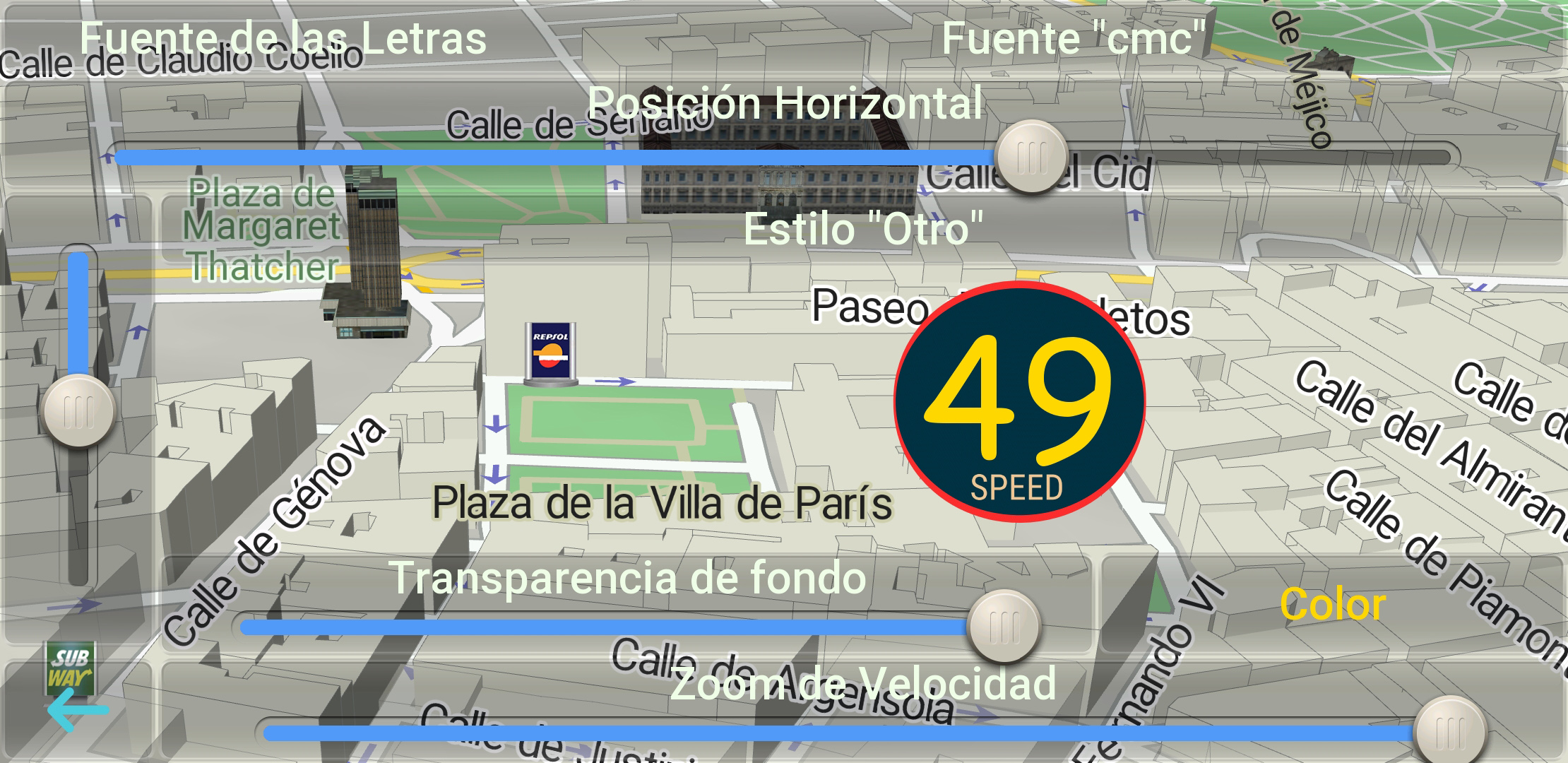
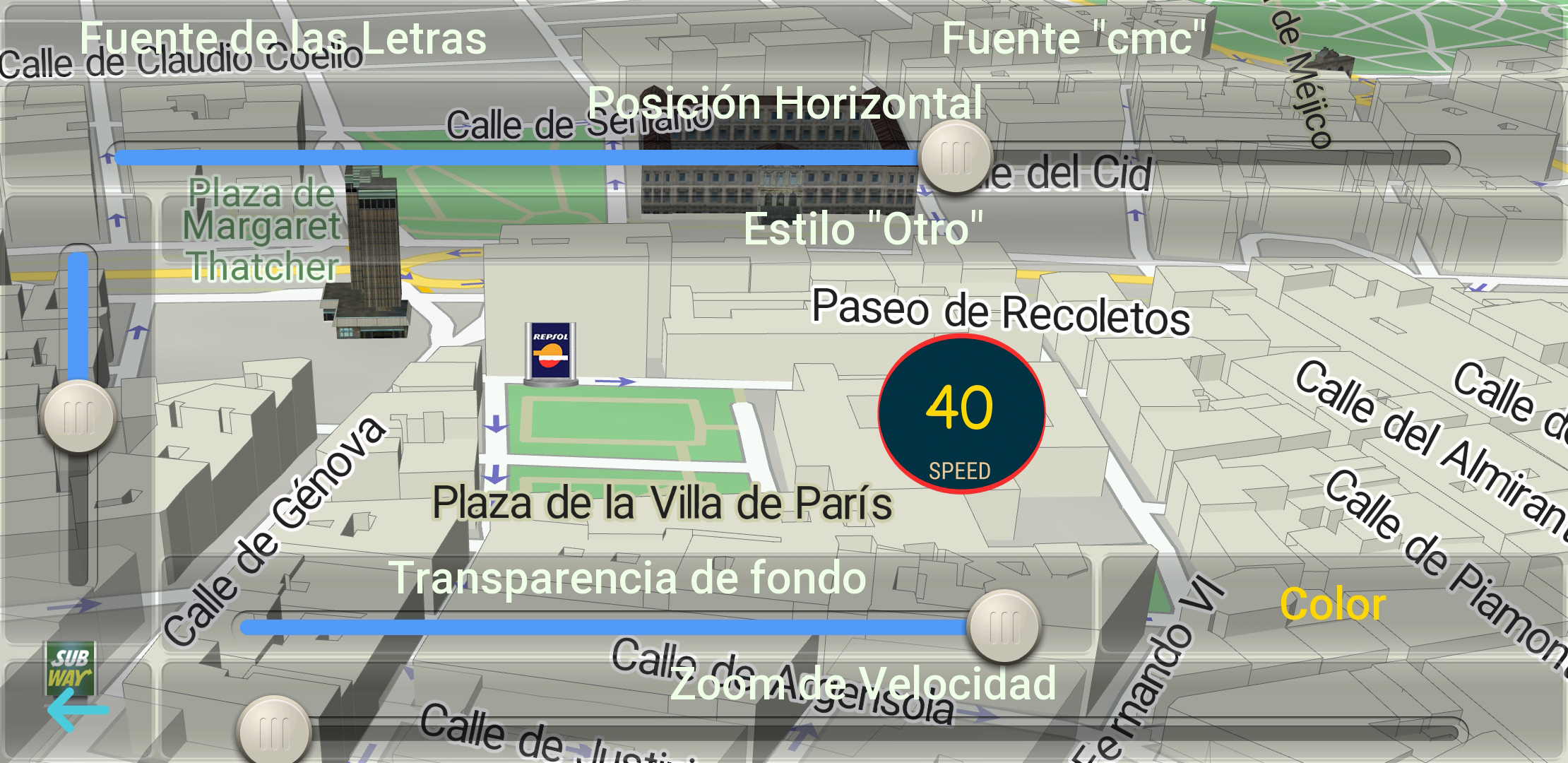
Another type of speedometer for ari_big_speed.zip.....
Spoiler: Screenshots
The file is named speedometer-md-1.svg
So placed in: ari_big_speed.zip\ui_nextgen\res\common\nodpi - you will replace the existing file with the same name!
You can also rename the downloaded svg file and replace any of the existing ones in the ari_big_speed.zip files.
[Only registered and activated users can see links. ]
Regards.....
-
5th May 2018, 01:36 PM #274Master


- Join Date
- Aug 2017
- Location
- Kaunas, Lithuania
- Posts
- 73
- Rep Power
- 311
On the 4PDA forum updated iiiDefault Skin Mod + RGB + UX-plugins

-
5th May 2018, 03:29 PM #275Important User


- Join Date
- May 2014
- Location
- Where you live
- Posts
- 737
- Rep Power
- 2412
Default+Skin+Mod+RGB+UX-plugins 2018.05.05
This post requires you to click the "LIKE this post" button and hit F5 to read this content.
Thank you Arimi!
-
5th May 2018, 03:59 PM #276Smartphone MOD

- Join Date
- Nov 2014
- Location
- WALLACHIA
- Posts
- 941
- Rep Power
- 1627
Thank you Arimi!
OP Updated
Updating the Modified Default Skin
iiiDefault+Skin+Mod+RGB+UX-plugins+2018.05.05
What's new?
There are a lot of changes, here it is short:
- the font in different pop-up windows (in SplitScreen-ah)
- now all the buttons in the cockpit that open their pop-up windows (CommonRouteWarnings, Discovery, RemoveStopover, ShowDestination, ShowSpeedCam ...), with their SplitScreen open -e, when the button is pressed again, this pop-up window closes,
- changes in ShowSpeedCam: the ability to disable 2 types of voice alerts (so that they do not repeat, ie, the pronunciation of the radar type and its location),
- the alignment of the radar icons in the cab,
- Well, in general - many things are corrected, improved, optimized ...Last edited by quartzo; 5th May 2018 at 04:06 PM.
-
6th May 2018, 09:56 AM #277Member
- Join Date
- Mar 2017
- Location
- Poland
- Posts
- 10
- Rep Power
- 0
Unfortunately, after updating the skin, the program automatically sets the default appearance of the map.

Wysłane z mojego Moto G (5S) Plus przy użyciu Tapatalka
-
6th May 2018, 10:01 AM #278Master
- Join Date
- Aug 2017
- Location
- Kaunas, Lithuania
- Posts
- 73
- Rep Power
- 311
You need to delete the ux-plugin weather_ng_default.zip. Originally Posted by Merkury

Or:
"Settings" - "Weather" - "Weather (Neoss75)" you need to turn OFF "Choice sky"
Išsiųsta naudojantis SM-G965F Tapatalk 4 LtLast edited by Arimi; 6th May 2018 at 10:06 AM.
-
6th May 2018, 03:31 PM #279Pro-Member
- Join Date
- Dec 2011
- Location
- middle east
- Posts
- 273
- Rep Power
- 22
How set the skin in order split screen not appear as shown
Spoiler: attached picLast edited by Boki; 6th May 2018 at 07:34 PM. Reason: spoiler...
-
6th May 2018, 05:39 PM #280Master


- Join Date
- Jan 2016
- Location
- TUSCANY - ITALY
- Posts
- 353
- Rep Power
- 298
Excuse me but I thought you had already solved by yourself.
I have not tried the last update yet, but in the 7/4/2018 one you have to do it this way:
Go to Settings - Skin Settings - Menu Settings
if you have Quick Menu - disabled, you have to disable "Maneuver 2D-overview Button in Quick Menu" in "Buttons in Cockpit"
if you have Quick Menu - enabled, you have also to disable "Maneuver 2D-overview Button in Quick Menu" in "Buttons in Menu" ,(I think the menu translation is roughly this).
In this way it does not work anymore either the "Discovery Button in Cockpit" and you can disable this option like you did for "Maneuver 2D-overview Button in Quick Menu"


Bookmarks