
 Likes:
 Reply With Quote
Hi!
-The size cannot be adjusted.
-Replace it with this:
Welcome guest, is this your first visit? Click the "Create Account" button now to join.


Results 11 to 20 of 162
-
4th March 2025, 06:10 PM #11Junior Member


- Join Date
- Jun 2024
- Location
- Hungary
- Age
- 46
- Posts
- 2
- Rep Power
- 0

Szia!
How can I change this so that the junction view is full display?
I can't find the setting.
Spoiler: screenshotLast edited by Boki; 4th March 2025 at 07:02 PM. Reason: spoiler
-
4th March 2025, 06:41 PM #12Master


- Join Date
- Dec 2014
- Location
- Hungary
- Posts
- 157
- Rep Power
- 138
-
4th March 2025, 11:21 PM #13Senior Member
- Join Date
- Aug 2015
- Location
- Hungary
- Posts
- 121
- Rep Power
- 22
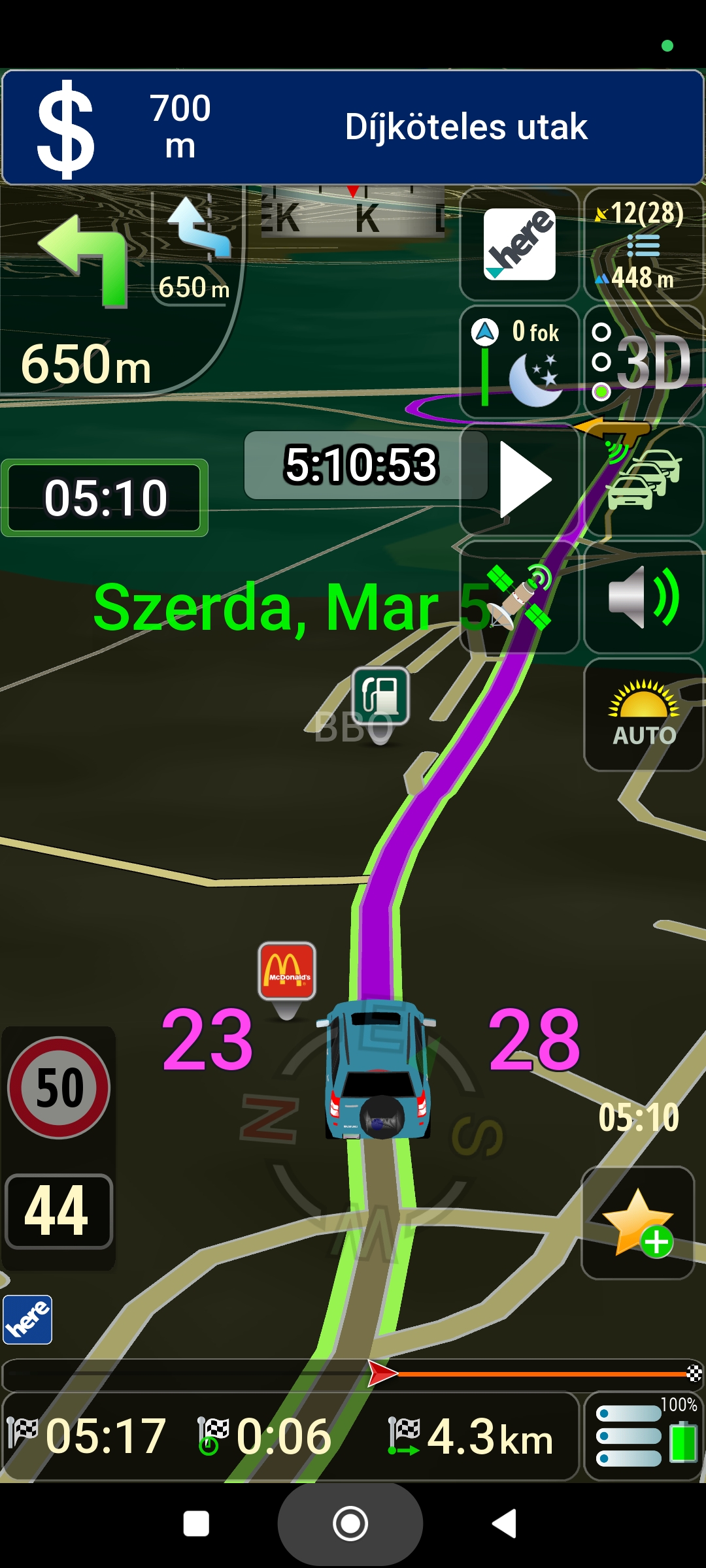
It's great that there is a battery indicator on the menu button, but it would be nice to increase its size if possible. I suspect it's not easy!
The "Number vertical of menu buttons" can be of four types: 1+4,...1+7, but the battery indicator is always the same, it doesn't adjust to the size of the button, I use 1+6, and at 1+7 you can't see much of it anymore:
This is how it looks on mine:
Spoiler: Screenshot:
Can the position of the mini map provider icon be changed somehow, I would put it next to the diricon if possible? When I press it, it switches to the other icon, but it doesn't change the map.
If you tell me in which file and where these can be modified, I'll try to see if it works!Last edited by Papp G; 5th March 2025 at 10:51 AM.
-
5th March 2025, 02:20 PM #14Master
- Join Date
- Dec 2014
- Location
- Hungary
- Posts
- 157
- Rep Power
- 138
-
5th March 2025, 02:35 PM #15Junior Member
- Join Date
- Mar 2023
- Location
- Hungary
- Posts
- 8
- Rep Power
- 0
Hello.
segaal and Papp G. _ I mostly use the NNG map, because it is the best for me, specifically locally.
For me, the mini map provider icon, for example, does not show NNG, only the Tom-Tom or HERE mini icon is visible.
I do not use the map switcher, but I tried it and for example, only the Tom-Tom and HERE icons are visible there, it does not show NNG for me.
I thought I would describe my experience.
These may be faulty only for me, but it is still completely good.
By the way, I think the works of master segaal are very good.
Thank you.Last edited by Boki; 5th March 2025 at 03:08 PM. Reason: approved
-
5th March 2025, 03:10 PM #16iGO Enthusiast


- Join Date
- Jun 2014
- Location
- Niš
- Age
- 54
- Posts
- 7,259
- Rep Power
- 4873
Of course
This 64bit apps are not fully cracked (and very likely never will be). NNG maps and in general maps from independent publishers require their own licenses.
Enough discussion about the content, please inform yourself before making comments like this
-
5th March 2025, 03:46 PM #17Master
- Join Date
- Dec 2014
- Location
- Hungary
- Posts
- 157
- Rep Power
- 138
@Papp G
-It is pointless to use more than 5-6 buttons.
-I redesigned a add_button_column.ux, try this with the buttons...
@melyon
-Yes, the Mini only shows the Here and TomTom icons. (can be turned off)
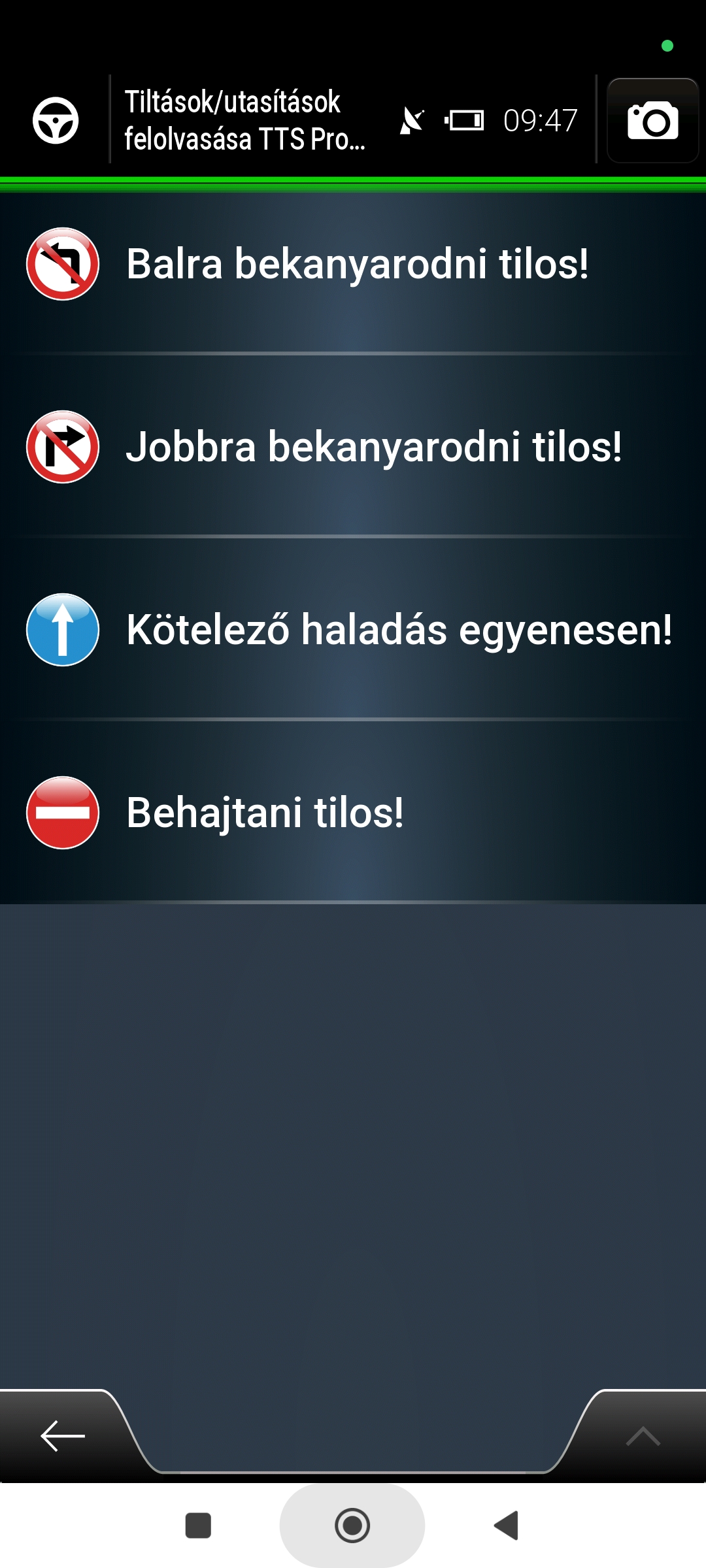
-Turn_restriction.ux will work in the next update. (I haven't come across a 64-bit package that works yet!)
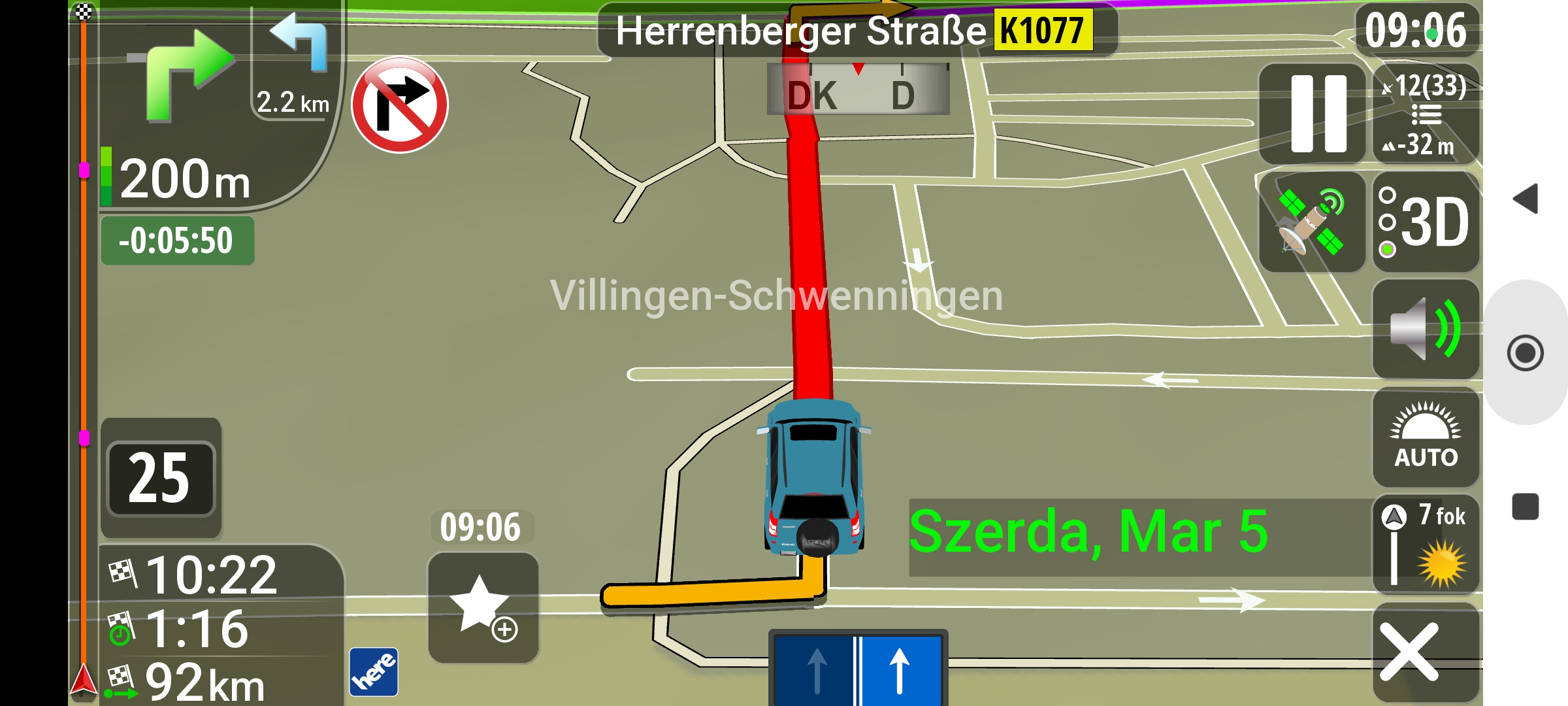
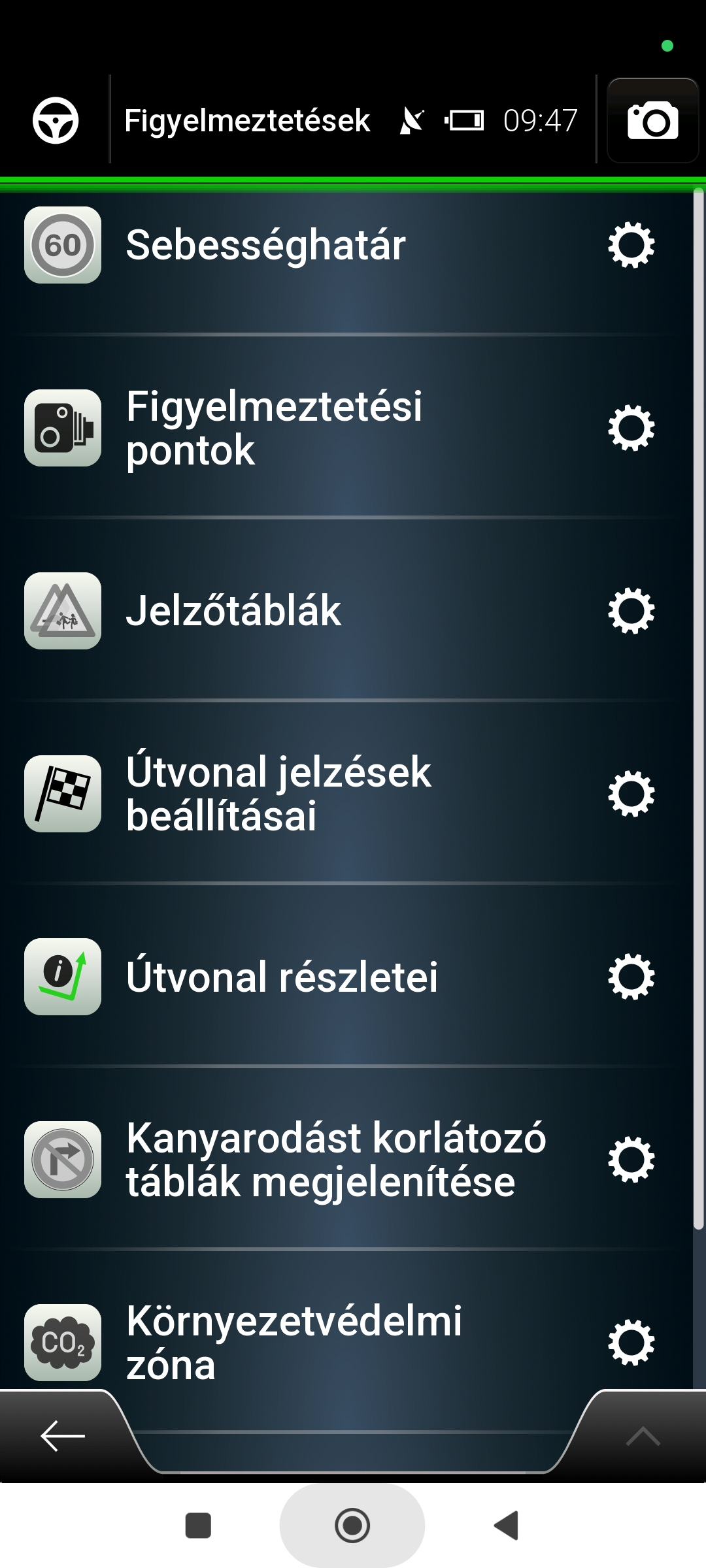
Spoiler: screenshot
Spoiler: screenshot
Spoiler: screenshot
Spoiler: Big house numbers :)
-
5th March 2025, 06:09 PM #18Senior Member
- Join Date
- Aug 2015
- Location
- Hungary
- Posts
- 121
- Rep Power
- 22
Thanks, but this new "add_button_column.ux" is not useful for me, I'm better off without it!
The button layout was good so far with "1+6", when 6 buttons fit in a column above the menu button, I wouldn't change that, ...
Even if only the battery % value could be displayed on the menu button, the three horizontal lines would not be necessary, or only half as wide so that the number could fit next to it:...
Spoiler: Screenshot:Last edited by Papp G; 19th March 2025 at 01:53 PM.
-
5th March 2025, 06:22 PM #19Junior Member
- Join Date
- Mar 2023
- Location
- Hungary
- Posts
- 8
- Rep Power
- 0
Sorry Boki if you took this as a comment. Originally Posted by Boki

I have a license for it.
Again, sorry if I wrote something that didn't belong here.
@segaal
Thank you. Very good.
@segaal
Thank you. Very good.Last edited by Magnetron; 6th March 2025 at 01:10 AM. Reason: Merge and approved post
-
7th March 2025, 10:20 AM #20Pro-Member

- Join Date
- Dec 2011
- Location
- middle east
- Posts
- 273
- Rep Power
- 22
It gives me black screen with error developers warning for package com.basfort.igonextgen.javaclient failed to post notification on channel nul
Iam using android 11 smart link i+a
Any one have solution for such problem .note it works with samsung s8
Edit:
Smart link is device connected with ford fusion car sync 3 by usb .and it works as android 11 and it works with 32 or 64 .
So igo or igo nextgen or sygic or any android APK all working with me .
Only I face the strange problem with igo basafort as explained above which gives me black screen with the mentioned error

Next time leave a full clear explanation right awayLast edited by Boki; 7th March 2025 at 02:00 PM. Reason: merged few posts


Bookmarks