
 Likes:
 Reply With Quote
@ardoldas: Thx man. I'm going to test them later.Originally Posted by arnoldas

@cam1981: Thx for the infos and instruction.
cheers
Welcome guest, is this your first visit? Click the "Create Account" button now to join.


Results 11 to 20 of 3975
-
31st March 2017, 10:02 PM #11Master


- Join Date
- Oct 2013
- Location
- EU
- Posts
- 776
- Rep Power
- 1316
 quartzo Originally Posted by quartzo

Thanks now, there is work for me
-
1st April 2017, 10:30 AM #12Member +

- Join Date
- May 2011
- Location
- Toronto
- Posts
- 38
- Rep Power
- 22
-
1st April 2017, 11:30 PM #13Master
- Join Date
- Oct 2013
- Location
- EU
- Posts
- 776
- Rep Power
- 1316

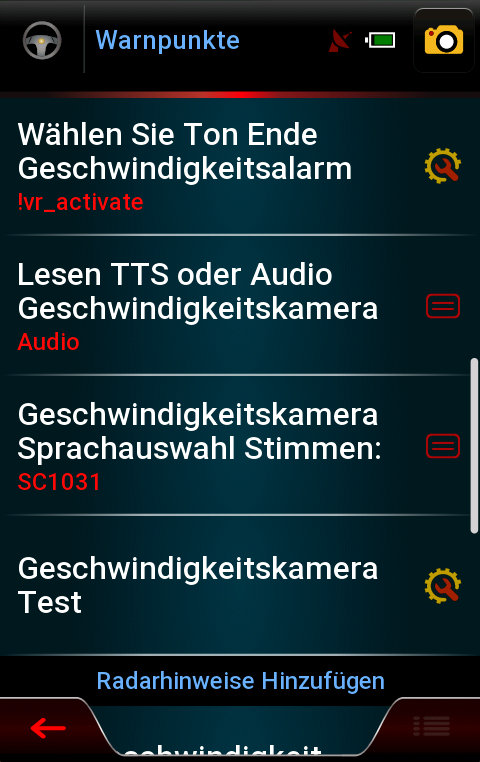
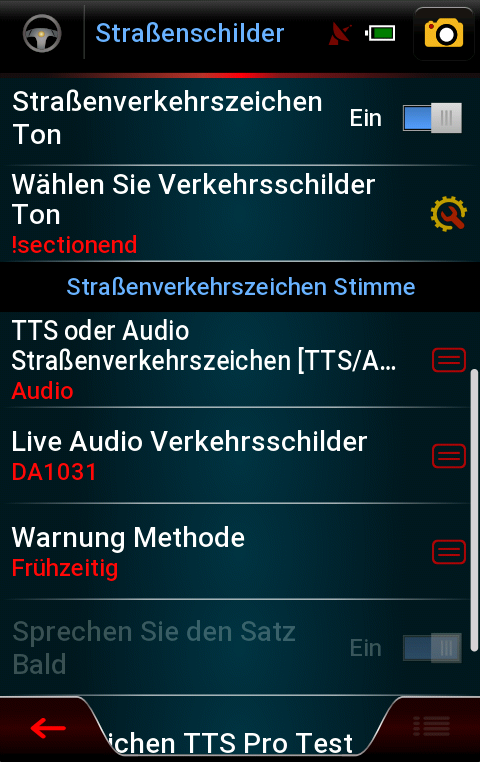
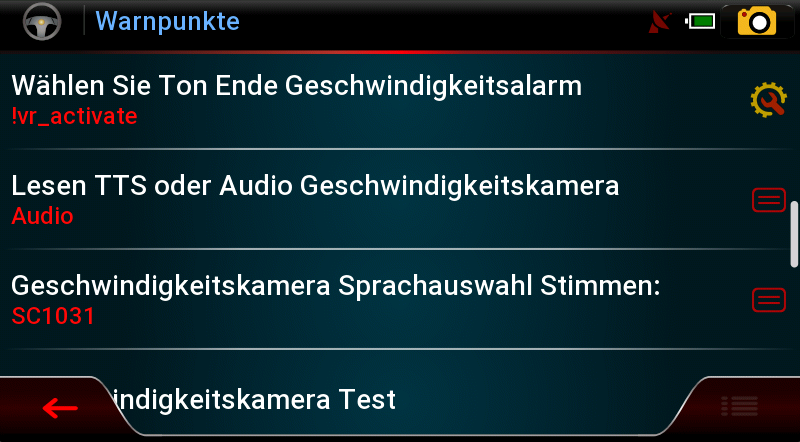
info:
The sounds for driver warnings Within the folder DA Works perfectly without errors.
Spoiler: screen
-
3rd April 2017, 02:41 PM #14Master

- Join Date
- Mar 2016
- Location
- NYC
- Posts
- 140
- Rep Power
- 275
@ arnoldas
Nice work. Cheers mate. A question, any chance for UK but km version?If you think I helped you, please add to my reputation
-
3rd April 2017, 08:20 PM #15Junior Member
- Join Date
- Mar 2015
- Location
- Slovakia
- Age
- 51
- Posts
- 4
- Rep Power
- 0
arnoldas, nice work, thanks for slovak alert and speedcam sounds, all works perfectly... Tested in iGO Nextgen Israel 9.18.27.687519... Originally Posted by arnoldas
ThanksLast edited by mm1234; 3rd April 2017 at 08:41 PM.
-
4th April 2017, 12:20 AM #16Master

- Join Date
- Dec 2014
- Location
- Portugal
- Posts
- 81
- Rep Power
- 131
Alert sounds DA_SC 2070 Portuguese
Spoiler: .Last edited by cam1981; 7th January 2018 at 08:42 PM.
-
4th April 2017, 12:42 AM #17Master
- Join Date
- Dec 2014
- Location
- Portugal
- Posts
- 81
- Rep Power
- 131
Lanes iGO Primo for NextGen (skin pongo)
Spoiler: Picture
Spoiler: Download
Unpack the rar ,copy the folder ui_nextgen for inside the_skin_by_pongo
Idea of colleagues 4pda, thanks to fumar for the filesLast edited by cam1981; 5th April 2017 at 12:41 AM. Reason: update inf.
-
4th April 2017, 07:36 PM #18Member +
- Join Date
- May 2011
- Location
- Toronto
- Posts
- 38
- Rep Power
- 22
@cam1981: does this go into ui_nextgen folder and should it be unzipped?? In my ui_nextgen folder I only have the audio folder in it.
cheersLast edited by Boki; 25th June 2020 at 08:48 PM. Reason: removed unnecessary quote
-
4th April 2017, 09:01 PM #19Master

- Join Date
- Mar 2017
- Location
- Germany
- Posts
- 1,061
- Rep Power
- 908
@Nextasy: extract the Folder and move to primary \Content by data-Folder _Israel or _Gift or......
===================
EDIT: do not! false! not work!
sorry! i´m a little blind
Last edited by rondoan; 5th April 2017 at 04:05 PM.
-
4th April 2017, 11:47 PM #20Master
- Join Date
- Dec 2014
- Location
- Portugal
- Posts
- 81
- Rep Power
- 131
@Nextasy
You're making a big confusion with ui_nextgen, audio, lane, etc,etc.
Download file Lanes (Pongo), Unzip on your pc, you will see a folder with the name ui_nextgen
What version of nextgen do you use??
Assuming you use the iGO_Israel with skin pongo.
You go on your phone in the folder iGO_Israel/ux and will look for a file with the name the_skin_by_pongo.
with Total Commander open the_skin_by_pongo copy the folder that you unzipped ui_nextgen.
cheersLast edited by cam1981; 4th April 2017 at 11:52 PM.


Bookmarks